Timeline
What is a timeline?
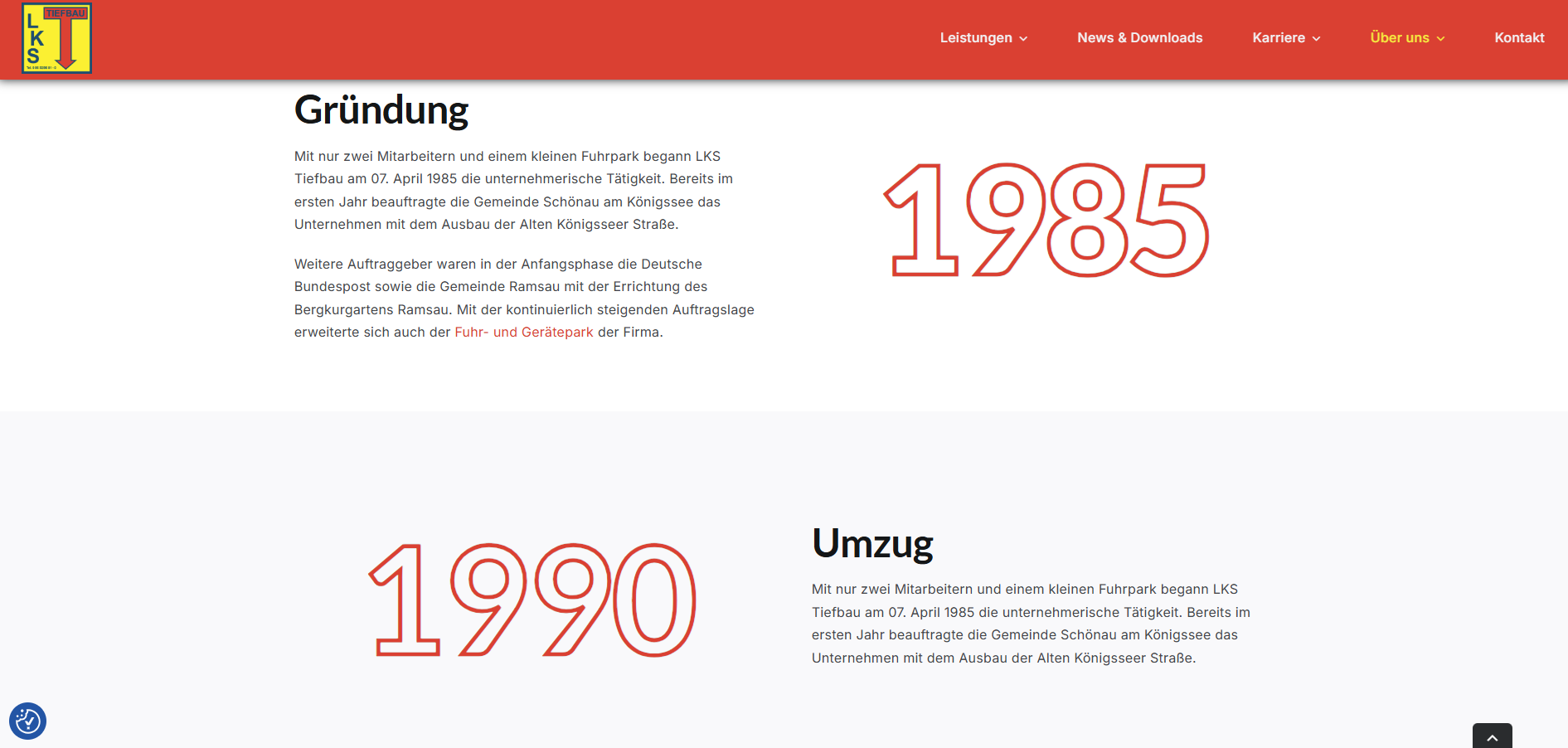
A Graphic Timeline section on a website is a visually appealing representation of a sequence of events or milestones. It’s typically used to illustrate progress, history, or a roadmap in a chronological format. This section combines visuals, such as icons, illustrations, or animations, with brief text descriptions to make the content engaging and easy to follow.
Common Uses of a Graphic Timeline:
- Company History: Displaying key milestones, such as founding, major achievements, product launches, or growth stages.
- Project Timeline: Outlining phases of a project from start to completion.
- Roadmap: Highlighting future plans, goals, or upcoming releases.
- Event Schedule: Showcasing the sequence of activities or events for a specific day, week, or campaign.
Typical Features:
- Chronological Order: Events are arranged in a linear format, either horizontally or vertically.
- Visual Elements: Includes icons, images, or symbols for each milestone to enhance clarity and aesthetics.
- Text Descriptions: Brief explanations or titles for each point in the timeline.
- Interactivity (Optional): Users can click on elements for more detailed information or animations that bring the timeline to life.
Benefits
Makes complex sequences easier to understand.
- Improves user engagement through visually appealing design.
- Clearly communicates growth, plans, or significant events.
- Adds a professional and dynamic element to the website’s design.
Graphic timelines are particularly effective in “About Us” sections, product development pages, or event-driven content.
Can you make a subpage for a timeline without the upgrade?
Yes, you can make a subpage with a timeline without it being an upgrade. When you make a timeline without an upgrade, it will be a lot more simple and without graphic elements. The details will be minimized. The timeline element will be presented as a bullet list, and each time a new point needs to be added to the timeline, it will simply be added as a bullet. Alternatively, you can opt not to have a timeline at all and instead use plain descriptive text.
- Click here to see an example of a “about us” page without the timeline element
- Click here to see an example of a “about us” page without the timeline element